Cloud-Based SharePoint Migration vs. Desktop Backup Software: Understanding the Difference
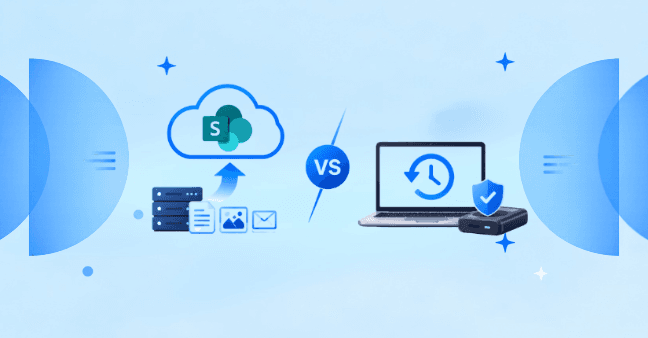

Both migration and backup are closely related processes in terms of managing data but have their own purposes. The migration process implies transferring content from one platform to another, whereas the creation of copies will help to restore data later. The selection of the right instrument is based on its results.
What cloud-based migration is designed for
A SaaS migration solution will enable migration of content from one supported SharePoint environment to another through a cloud-based process. Planning factors for a migration project usually involve access permissions, metadata, and validation.
What desktop backup is designed for
A desktop backup application can provide a workflow for backing up supported SharePoint content to specified storage destinations. Organizations should check supported content types, scheduling, storage targets, restore capabilities, and security requirements.
Compare the use cases
Choose migration if the objective is platform migration, consolidation, reorganization, or moving to a new environment. Choose backup if the objective is to have recoverable copies. Migration copies are not necessarily a backup solution, and backup is not necessarily a modernization solution for a website.
How the approaches work together
For example, an organization can do a backup of critical data prior to the migration process, migrate data following a migration workflow process, verify the target and proceed with regular backup schedule after that based on their protection strategy.
Questions to ask vendors
Consider how the software will manage load balancing, storage locations, security, reporting, error handling, recoverability, licensing, and support. Perform tests using typical data before deploying it in a live environment.
Conclusion and CTA
Migration and backup complement one another when each is used for its intended purpose. Shefware offers a cloud-based SharePoint migration solution and a desktop SharePoint Backup application to help address these separate needs.
Suggested CTA: Explore Shefware’s SharePoint solutions or contact the Shefware team to discuss your migration and backup requirements.

Comments
Post a Comment