e Conversion How to convert multiple MBOX to PST file for free?
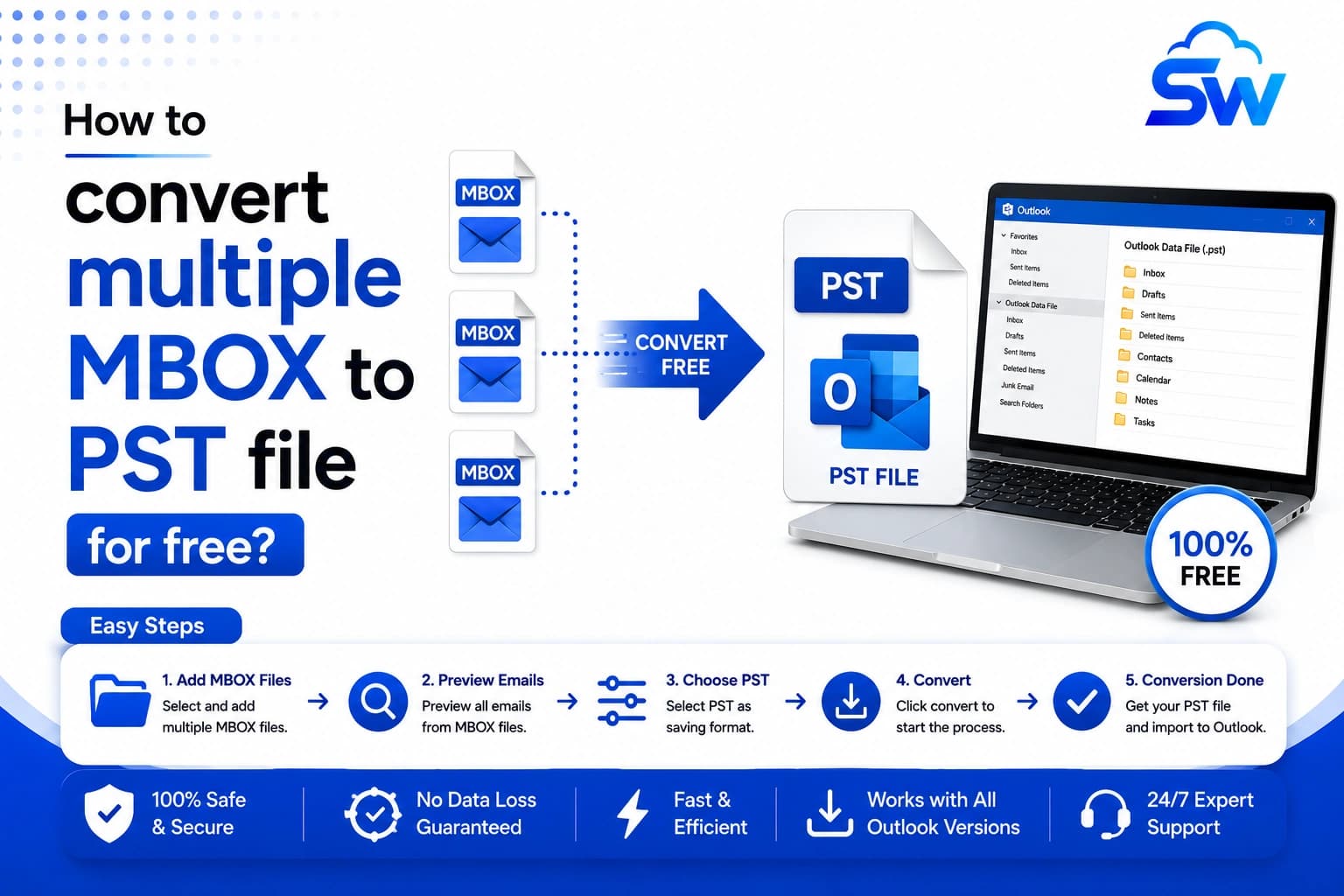
Handling various MBOX files is challenging, particularly when changing from email clients such as Thunderbird, Apple Mail, and Eudora to MS Outlook. As Outlook does not support the MBOX format directly, you need to convert multiple MBOX to PST before importing the mailbox into Outlook. A professional MBOX to PST Converter makes the process easy by converting various MBOX files.
In this blog, we will guide you through the best ways to convert MBOX to PST, including using a professional MBOX to PST Converter tool.
Reasons to Convert Multiple MBOX to PST Files
MBOX is a widely used mailbox format supported by various email clients; on the other hand, MS Outlook stores data in PST files. If you are migrating to Outlook, you will need to convert MBOX file to PST to access your emails, attachments, contacts, and other items. Converting various MBOX files is useful when:
Moving from Thunderbird, Apple Mail, or Eudora to Outlook.
Combining various mailbox files into Outlook.
Generating Outlook-compatible email archives.
Moving business email data to MS Outlook.
Saving crucial email data for longer storage.
Manual Methods to Convert MBOX to PST
If you have a few MBOX files, you can manually convert MBOX to PST free using the medium email clients. But these methods require technical knowledge and contain various steps.
Method 1: Using Thunderbird and Outlook
Import the MBOX file into Thunderbird.
Associate the same email account in Thunderbird and Outlook.
Sync the mailbox with the email server.
Permit Outlook to download all emails.
Export the mailbox from Outlook as a PST file.
Method 2: Import via Gmail
Import the MBOX mailbox into Thunderbird.
Create a Gmail account.
Upload emails to Gmail.
Connect the same Gmail account to Outlook.
Export Outlook data to PST.
Disadvantages
The manual methods are free, but they have various limitations:
Bulk mailbox migration can take a lot of time depending on mailbox size.
Emails, attachments, folder hierarchy, and metadata may not transfer .properly
Multiple email clients and account allocations are needed.
Manual methods are not ideal when you need to convert multiple MBOX files to PST at the same time.
Even experienced users may experience synchronization errors or configuration problems.
Professional Method to Use Shefware MBOX to PST
If you are searching for a quick way to convert multiple MBOX to PST, the Shefware MBOX to PST Converter is the best choice. The software is developed for individual users, IT administrators, and businesses that require precise migration without any data loss.
The tool assists MBOX files created by Thunderbird, Apple Mail, Eudora, Opera Mail, Entourage, and many other email applications. Unlike manual methods, which allow you to convert various mailbox files in one operation while preserving folder hierarchy, email formatting, attachments, and metadata.
Step-by-Step Process
Convert MBOX to PST files using a structured process to make sure smooth migration.
Download the MBOX to PST Converter
Download and install Shefware MBOX to PST Converter and open the software.
Add MBOX Files
Add the MBOX Files that need to be converted by clicking on Browse and selecting the folder containing the mailbox data.
Preview Emails
Before the MBOX to PST conversion, users can preview the mailbox data to ensure all folders are correct.
Export to PST
Select the PST format, choose the destination folder, and click on Export to convert the MBOX Files to PST.
Conclusion
If you only need to convert MBOX to PST free for a small mailbox, manual methods may work. But they include multiple applications, need technical knowledge, and increase the risk of data loss. For organizations and professionals managing multiple mailbox files, the Shefware MBOX to PST Converter offers a faster solution.
Frequently Asked Questions (FAQs):
Q1. How to convert MBOX to PST?
Ans. You can manually use Thunderbird and Outlook, but for bulk migration, a professional MBOX to PST Converter Tool is recommended because it converts multiple mailbox files quickly while preserving data integrity.
Q2. Is there a free MBOX to PST Converter available?
Ans. Some manual methods let you convert MBOX to PST free, but they are complex and not suitable for large mailboxes. Professional software offers better accuracy, speed, and security.
Q3. Can I convert MBOX file to PST free without Outlook?
Ans. Manual methods usually require Outlook or another email client during the migration process. The best MBOX to PST converter makes the process easy and supports bulk conversion.


Comments
Post a Comment