How to open MBOX files in Windows without an Email Client?

https://www.shefware.com/products/mbox-viewer 
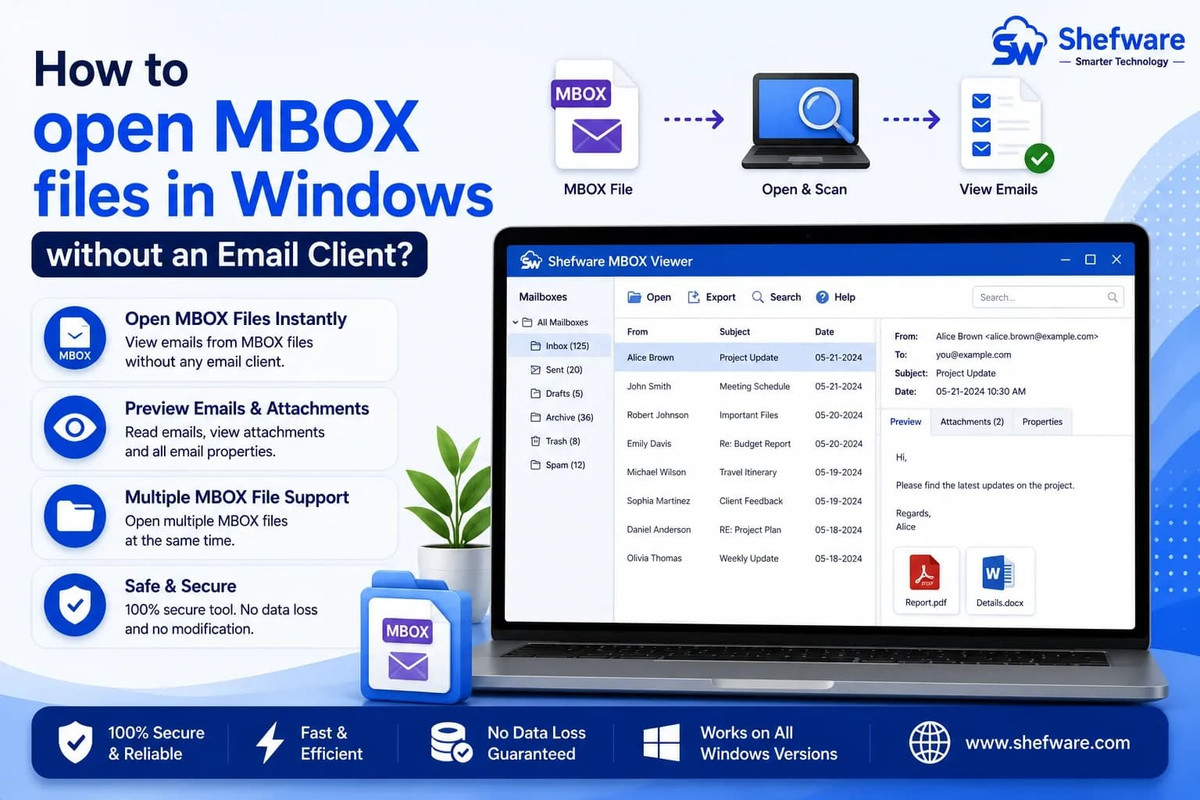

How to open MBOX files in Windows without an Email Client?

If you have exported emails from Thunderbird, Apple Mail, Google Takeout, Opera Mail, and other email clients. The possibilities you get an MBOX file. While MBOX is a widely used email archive format, Windows does not offer a method to open it. Many users believe they are required to install an email client, but this is not the case. 

In this blog, we will guide you through how to open MBOX files in Windows without downloading any email client. 

What do you mean by an MBOX File?

An MBOX file is a mailbox archive that gathers various email messages in an individual file. It is assisted by some famous email applications, containing Mozilla Thunderbird, Apple Mail, Google Takeout, Opera Mail, and Eudora. The MBOX protects email messages, attachments, subject, CC, BCC, Data, time, email format, sender details, and receiver details. 

Why windows not able to open the MBOX file?

Windows is not able to open an MBOX file because the MBOX format is not natively supported by the Windows operating system. Unlike some common file formats like PDF, DOCX, or JPG, MBOX is a specialized email archive format developed to gather multiple email messages in an individual file.

Here are the main reasons presented below:

Installing an Email Client: Traditional Method

One of the most common approach is installing Thunderbird and importing the MBOX file. But, this method has several disadvantages:

For users who need to access archived emails, installing a full email client is not important.

Best Method to Open MBOX Files without Email Client

The easiest solution is using a professional tool like Shefware MBOX File Viewer. A professional MBOX Viewer or MBOX Reader permits you to:

Since the software reads the MBOX structure directly, no email client installation is needed.

Step-by-Step process to use Shefware MBOX Viewer

Follow the simple and easy steps to use the professional Shefware MBOX Viewer tool to preview the MBOX files:

  1. Download & Install

Download and install the Shefware MBOX Viewer Tool in the system. 

  1. Browse and Select

Click on Browse and select the folders that are needed to be viewed and read. 

  1. Email Preview

You can view the selected emails and folders, email headers, etc.

Tips Before Opening an MBOX File

For the best user experience, follow some tips given below:

Conclusion

Opening an MBOX file on Windows doesn't have to involve installing or configuring an email client. While applications like Thunderbird can read MBOX files, they require additional setup and are often unnecessary if your goal is simply to view archived emails. Using Shefware MBOX Viewer is the fastest, and most convenient method.

Frequently Asked Questions:

Q. Can we open an MBOX file without Thunderbird?

Yes. A professional MBOX File Viewer allows you to open and preview MBOX files without installing Thunderbird or any other email client.

Q. Is Windows able to open MBOX files?

Ans. No, Windows does not include native support for MBOX files, so you will need a MBOX viewer tool or compatible email application.

Q. Can I view email attachments?

Ans. Yes. Most professional MBOX Email Viewer tools let you preview attachments along with email content.

Q. Can I open multiple MBOX files?

Ans. Yes, many advanced viewers support loading multiple MBOX files or entire folders at once.

Q. Which is the Best MBOX Viewer?

Ans. A good viewer should provide fast scanning, attachment preview, folder hierarchy preservation, and support for large mailbox files. Shefware's solution provides these features in an easy-to-use Windows application.

Comments

Popular posts from this blog

Cloud-Based SharePoint Migration vs. Desktop Backup Software: Understanding the Difference

Exchange Online Migration: Complete Guide to Moving Mailboxes to Microsoft 365