How to Open a PST File without Outlook?
How to Open a PST File without Outlook?
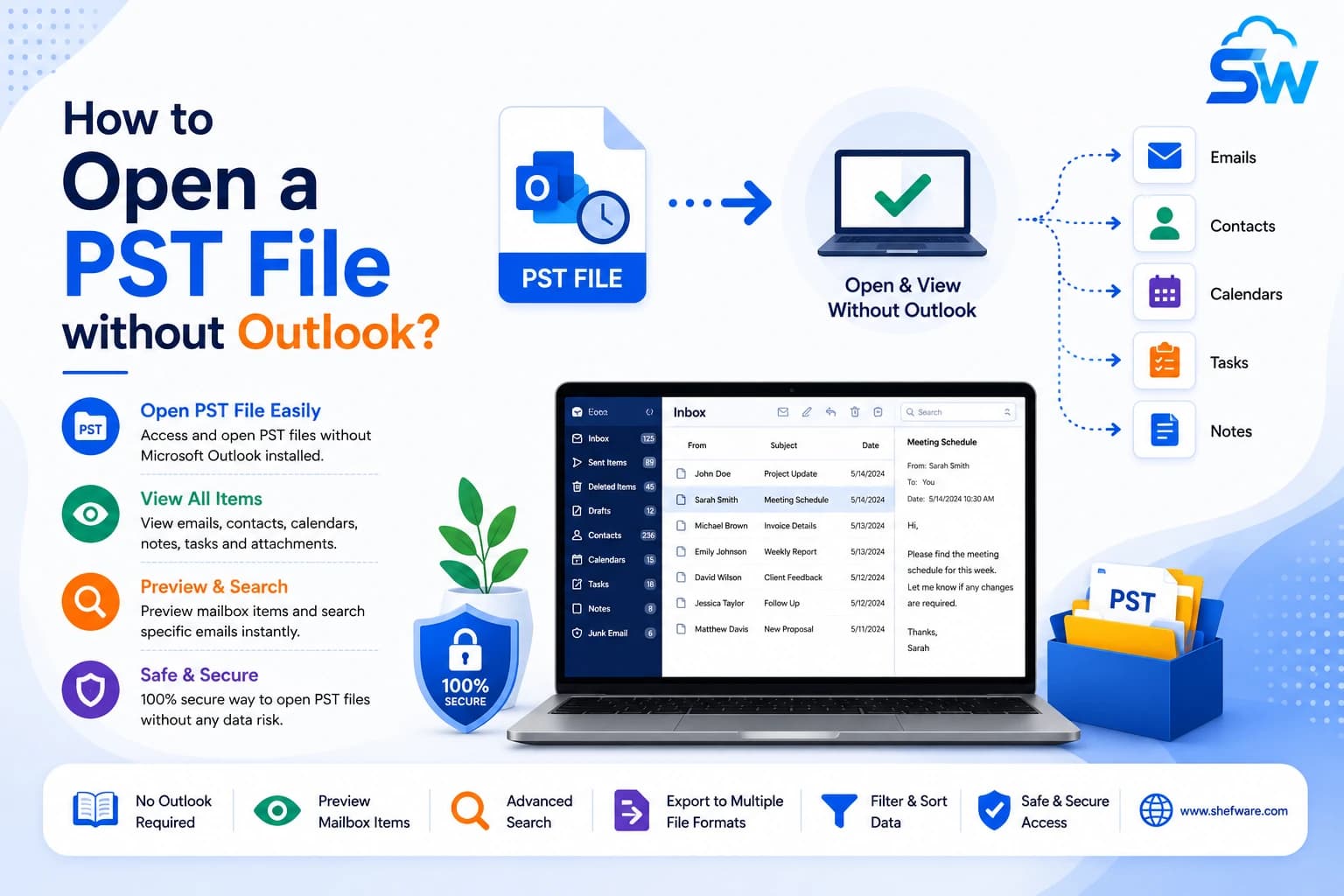
Required to access Outlook PST file but do not have MS Outlook installed? Do not worry, you are not alone. Many individual users get archived email files from clients, previous systems, colleagues, and require a fast way to see their contents. You do not need Outlook to access data. With the help of a reliable solution, Outlook PST Viewer or PST Reader, you can open, read, and search Outlook PST files without installing MS Outlook.
In this blog, we will guide you through the best methods to open PST file without Outlook, the disadvantages, and an easy solution for reading Outlook data.
What is a PST File?
A PST (Personal Storage Table) file is an Outlook data file used to gather emails, Contacts, Calendars, Notes, Tasks, Journal entries, and Attachments. MS Outlook generates PST files for POP3 accounts, archived mailboxes, and manual backups. PST files are developed particularly for Outlook; they cannot be opened directly by Windows without specialized software.
Reasons to Open a PST File Without Outlook
There are various scenarios where users need another method:
-
MS Outlook is not installed.
-
Outlook becomes corrupted.
-
The PST file belongs to an old computer.
-
You are only required to view mailbox data.
-
You want to verify archived emails.
-
You need fast access without allocating Outlook.
-
You are using a shared or temporary system.
Can you open a PST File without Outlook?
Yes, Windows cannot read PST files natively; you can easily view PST files without Outlook by using a professional PST File Reader or Outlook Viewer application. These tools are particularly developed to open Outlook data files while protecting the original folder sequence, email format, attachments, contacts, calendars, and other mailbox items.
Manual Methods to view PST file without Outlook
Here are some manual methods for opening a PST file without Outlook. Let’s see the manual methods below:
Method 1: Importing PST into another system without Outlook
If the Outlook is accessible on another system, you can easily:
-
Open MS Outlook
-
Click File ➡️Open and Export.
-
Tap on Open Outlook Data File.
-
Browse PST File.
-
Open your mailbox
Limitations
There are certain limitations of the manual method that you need to know. Given below are the details:
-
Need MS Outlook.
-
Outlook license required.
-
Cannot help users without Outlook.
-
Setup consumes a lot of time.
Professional Method Using Outlook PST Viewer
The easiest solution is to use a reliable tool like Shefware Outlook PST Viewer. A professional PST File Opener permits you to:
-
Open PST files quickly.
-
No need for Outlook to read emails.
-
Preview the attachments.
-
See contacts and calendars.
-
Search mailbox items.
-
Manage folder structure.
-
Access large PST files securely.
This method requires no Outlook installation and works with both ANSI and Unicode PST files.
How to view a PST file using Shefware Outlook PST Viewer?
Have access to your PST data with a reliable and free PST file viewer in just four simple steps:
Step 1: Download the PST Viewer tool
First, download the PST viewer to your system from the website. It permits users to open a PST file without any restrictions.
Step 2: Upload the PST File Safely
Choose and upload the PST file via the saved interface with encrypted data transfer. The overall upload process is secured using advanced encryption protocols, ensuring data stays safe during transfer without issues.
Step 3: System Processes the File
The tool has an automated scan and analyzes the PST File. After the uploading process, our system starts to work automatically. It does a quick scan yet wide scan for the analysis of the file format and to extract all mailbox elements.
Step 4: Quickly Preview and Discover Data
Preview PST mailbox data before migration and access to emails, attachments, contacts, calendars, and more in a well-structured way. Once the process is completed, you can quickly access and discover the data in a transparent interface. Directly via folders, emails, and preview the attachments.
Conclusion
Opening a PST file without MS Outlook is much easier than many users' expectations. Whether you need to review archived emails, access old mailbox data, or verify Outlook backups, a PST Viewer offers a quick solution. For an unforgettable experience, the Shefware Outlook PST Viewer offers a user-friendly interface, read-only access, assistance for large PST files, and upgraded features.
Frequently Asked Questions:
Q1. Can we open a PST file without Microsoft Outlook?
Ans. Yes, you can use a professional PST Viewer or PST Reader to access PST files without downloading or installing Outlook.
Q2. Is there a free PST Viewer available?
Ans. Yes, some tools provide a Free PST Viewer for opening and reading Outlook PST files without changing the original data.
Q3. Can I view attachments inside a PST file?
Ans. Yes, the most professional PST Viewer Software permits you to preview email attachments along with mailbox items.https://www.shefware.com/products/pst-viewer


Comments
Post a Comment