What is Office 365 Backup and Why Do You Need It?
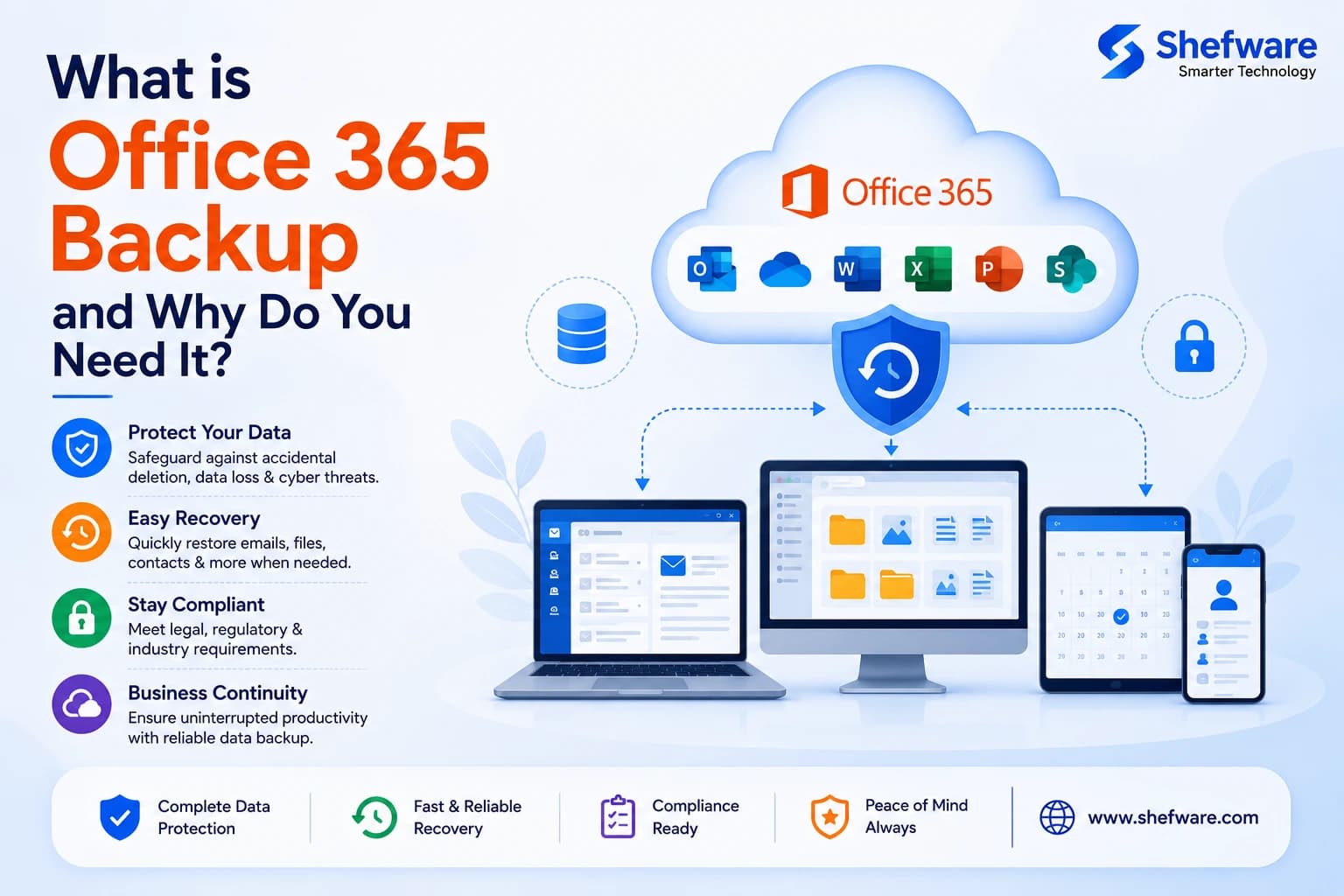
Microsoft 365 has changed the process of how a business communicates, collaborates, and gathers data. From Outlook emails and OneDrive files to SharePoint documents as well as Teams conversations, each day, many organizations are dependent on Microsoft 365. Some users think that it automatically protects data, but it is not true.
The M365 offers the best service; it makes you responsible for protecting data against unexpected deletion, ransomware attacks, internal threats, and longer-duration needs.
In this blog, let’s get to know what Microsoft 365 backup is, why it is necessary, the advantages, and how to protect data using a professional tool.
What is Microsoft 365 Backup?
If we talk about the Microsoft 365 Backup, then it is the process of generating safe copies of M365 data, containing emails, contacts, calendars, OneDrive files, SharePoint documents, and Microsoft Teams.
The backup copies gets gatherers differently from MS Cloud infrastructure, permitting organizations to recover lost or remove data when needed.
Why Need Office 365 Backup?
Some businesses think Microsoft backs up all data. But Microsoft emphasizes keeping the cloud platform accessible, not saving every user's data. Without a reliable backup for Office 365, the organization risks losing important details because of:
-
Unexpected Deletion
The employees might delete crucial emails, files, and folders. When the retention time expires, recovery of data is not possible. A structured Office 365 email backup makes sure deleted data can be restored fast.
-
Ransomware Attacks
The cyber criminals mainly target cloud accounts. If the ransomware encrypted synced OneDrive files or data. Having independent backup permits businesses to re-gather clean copies without paying attackers.
-
Internal Threats
Not every data is sudden. Ex-employees or suspicious insiders might delete important business information. A safe backup M365 saves organizations against internal threats.
-
Compliance Needs
Some industries need businesses to restore data for many years. The industries such as healthcare, finance, legal firms, and government organizations sometimes need safe archives behind Microsoft's retention abilities.
-
Human Error
Some mistakes like overwriting files, migrating folders, and deleting mailboxes, occur each day. With the help of Microsoft Office backup, recovering old versions is easier.
Advantages of Using a Reliable 365 Backup Solution
-
Overall Data Protection
A Microsoft 365 backup saves emails, attachments, calendars, contacts, documents, and shared files. Everything stays available after the unexpected deletion.
-
Quick Data Recovery
Rather than investing a lot of hours while searching for lost files, the administrators can re-gather overall mailboxes or single emails within a few minutes.
-
Business Continuity
The sudden data loss can interrupt functions. A dependable backup office solution makes sure employees can continue working with minimal downtime.
-
Long Duration Data Retention
The businesses can save crucial records for many years without worrying about Microsoft retention restrictions.
-
Protection against Cyber Risks
The independent backup stays unchanged by ransomware or account compromise, offering a safe recovery point.
Common Situations to Use Office 365 Backup
Here given below are some situations to use O365 Backup:
-
An employee deletes a client’s mailbox.
-
A ransomware attack encrypts OneDrive files.
-
An admin unexpectedly removes the overall department.
-
A legal audit needs emails from six years ago.
Save your Microsoft 365 Data with Shefware Office 365 Backup
If you are searching for a dependable O365 backup, then Shefware Office 365 Backup Tool is the best choice. The tool is developed for IT admins and businesses that want overall control over Microsoft 365 data.
Why choose Shefware Office 365 Backup?
The Shefware Office 365 Backup Tool provides:
-
Complete Microsoft 365 mailbox backup
-
Safe Office 365 email backup
-
Multiple user account backup
-
Advanced filter options
-
Incremental backup assistance.
-
Quick backup engine
-
User-friendly interface
-
Support large mailboxes
-
Export into multiple formats
Conclusion
Microsoft 365 offers the best tools, but protecting business data remains your responsibility. While Microsoft makes sure of platform availability, it does not replace an O365 backup solution for longer-duration data protection, disaster recovery, or compliance. If you are looking for a secure, efficient, and user-friendly backup for Office 365, the Shefware Office 365 Backup Tool offers everything you need to protect your Microsoft 365 environment.
Frequently Asked Questions (FAQs):
Q. What is Office 365 Backup?
Ans. It is the process of creating a secure copy of your Microsoft 365 data, containing emails, contacts, calendars, OneDrive files, and others. It helps protect your data from unexpected deletion, ransomware, and data corruption.
Q. What kind of data can be protected with backup for Office 365?
Ans. A backup for Office 365 can protect Outlook emails, contacts, calendars, shared mailboxes, OneDrive files, SharePoint, and Microsoft Teams.
Q. Can I restore deleted emails using an O365 backup?
Ans. Yes, an O365 backup permits you to restore permanently deleted emails, mailboxes, contacts, calendars, and other data instantly, even after Microsoft's retention time has ended.
https://www.osttopst.us/


Comments
Post a Comment