SharePoint Migration Best Practices for Businesses and Managed Service Providers
SharePoint Migration Best Practices for Businesses and Managed Service Providers
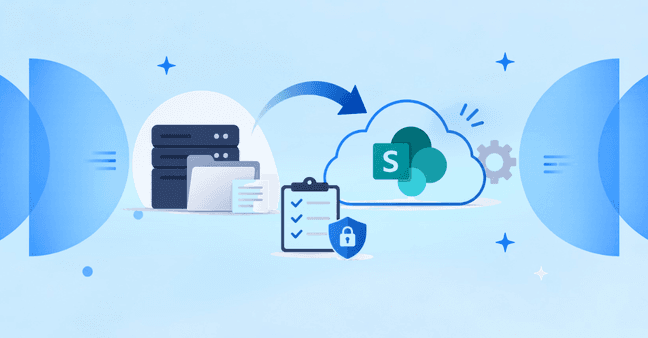
For businesses and managed service providers (MSPs), repeatable migration practices help reduce project risk and make outcomes easier to validate. A consistent process also makes it easier to communicate scope, timelines, responsibilities, and acceptance criteria to clients.
1. Define the scope and success criteria
Agree on the source, destination, sites, libraries, data volume, content types, permissions, and required history. Document what is excluded and how success will be measured.
2. Assess risk and readiness
Check access, licensing, network conditions, customizations, storage, and destination configuration. Identify sensitive content and business-critical systems that need special handling.
3. Standardize content cleanup
Use a repeatable checklist for duplicate files, obsolete sites, naming conventions, ownership, and retention requirements. Obtain client approval before deleting or archiving content.
4. Pilot, migrate, and validate
Test a representative sample first. Track errors, compare source and destination content, confirm access, and keep a clear record of exceptions and resolutions.
5. Communicate with stakeholders
Tell users what is changing, when access may be affected, where content will appear, and how to request help. Provide updates to client contacts throughout the project.
6. Document handover and support
Deliver migration records, known issues, validation results, and administrator guidance. Schedule a post-migration review to capture lessons and improve the next engagement.
Conclusion and CTA
A standardized process helps MSPs deliver more predictable migration projects while protecting client trust. Shefware’s SharePoint migration solution can be considered as part of a repeatable workflow, subject to your required features and supported migration scenarios.
Suggested CTA: Explore Shefware’s SharePoint solutions or contact the Shefware team to discuss your migration and backup requirements.


Comments
Post a Comment